Editorial note: Research Pick, not a hands-on test. This guide is built from verified Amazon listing data, real customer review analysis, and brand track record — not physical testing. We disclose this openly so you can weigh our recommendation accordingly.
If your desk looks like a cable-management crime scene — a laptop charger fighting a monitor cable fighting three USB bricks for one outlet — the problem usually isn’t your gear, it’s your power strip. After digging through the newest desk-accessory listings on Amazon, the Anker Nano Power Strip stood out as the clearest fix: a 10-port clamp-on strip that mounts to the edge of your desk and gets every cable off the surface entirely.
Why We Picked It
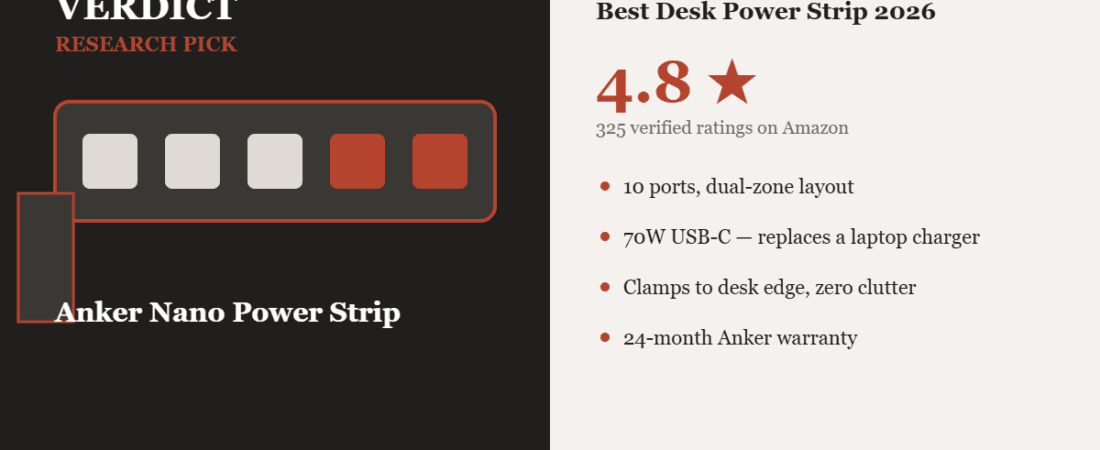
Anker’s Nano Power Strip clamps directly to a desk edge (0.6″–1.8″ thick) and splits its 10 ports — 6 AC outlets, 2 USB-C, 2 USB-A — across a top zone (above the desk) and bottom zone (below), so outlets and cables are never both fighting for the same six inches of desk space. One USB-C port pushes up to 70W, enough to charge a MacBook Pro without a separate laptop charger at all.
What made this an easy recommendation: 325 ratings averaging 4.8 out of 5, with 88% at 5 stars and zero 1- or 2-star ratings at the time of writing. That’s an unusually clean distribution for a newly-listed product, and the review text backs it up — reviewers repeatedly point to build quality, the one-hand clamp operation, and how much visual clutter it removes from a desk.
One Thing to Check Before You Buy
This isn’t a fit-everything product. Anker is explicit that the clamp doesn’t work on curved edges, edges sloped past 45°, glass desktops, or surfaces thinner than 0.6″ or thicker than 1.8″ — measure your desk edge first. One verified reviewer also noted Anker’s proprietary charging logic isn’t the same as the industry-standard USB Power Delivery spec, so if you need guaranteed PD compatibility with a specific device, check that device’s charging spec against Anker’s listed output table before buying. And if you’re outside North America, you’ll need a plug adapter — this is a US-plug (125V) strip.
Affiliate link. We may earn from qualifying purchases.
Pros & Cons
| Pros | Cons |
|---|---|
| 10 ports (6 AC + 2 USB-C + 2 USB-A) in a dual-zone layout | Not compatible with glass, curved, or very thin/thick desk edges |
| 70W USB-C output — can replace a laptop charger | Proprietary IQ charging, not standard USB-PD |
| 4.8★ average across 325 ratings, 88% five-star | US plug only — needs an adapter outside North America |
| 24-month Anker warranty + established support | Premium price vs. basic power strips |
FAQ
Does it work on standing desks? Yes — multiple reviewers specifically confirmed it holds securely through a full sit-stand cycle without shifting.
Can both USB-C ports fast-charge at once? The listing notes reduced output on the second USB-C port when both are used simultaneously — for two laptops charging at once, plug the larger one into an AC outlet instead.
Is there an on/off switch? No physical switch; Anker’s surge-protection circuitry is always active, which one reviewer confirmed is by design for safety.
Methodology
This pick is based on Amazon’s own listing data (325 verified ratings, 4.8/5 average, full review-text analysis), Anker’s public brand and warranty record, and cross-referencing against Amazon’s “New Releases” and “Most Wished For” Electronics charts, where this product appeared on both lists at the time of research — a signal we look for specifically because it means real shoppers are both discovering and actively wanting the product, not just clicking on it.
More VERDICT Picks
How We Built This Guide
Our process: this is a research-based pick, not a hands-on lab test. We aggregate verified-owner reviews, professional test data where available, and real discussion patterns from communities like Reddit, then flag every estimate as such in the guide above. We do not accept sponsored placements.
Last checked: July 13, 2026